
In BESTMIX Feed formulation a compound exists out of a combination of different ingredients. If there is a need to isolate a number of ingredients from the optimisation result, users can do so from within the optimisation window. As such, users can create mixes (premixes, concentrates, etc.) directly from a compound - quickly and easily.
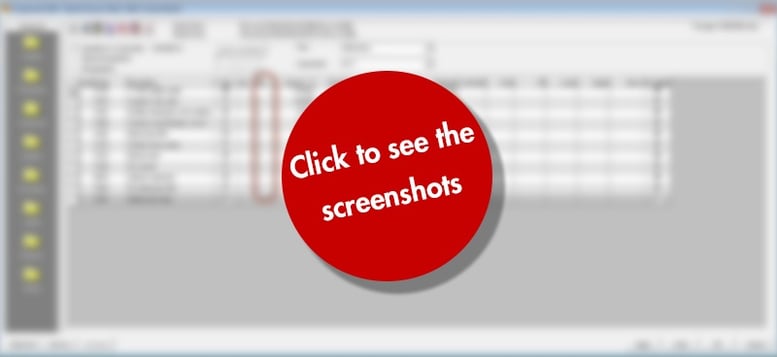
Step 1
Select a number of ingredients by assigning an alphanumerical character (e.g. “v” or “m” or “3”) in the mix column.
Step 2
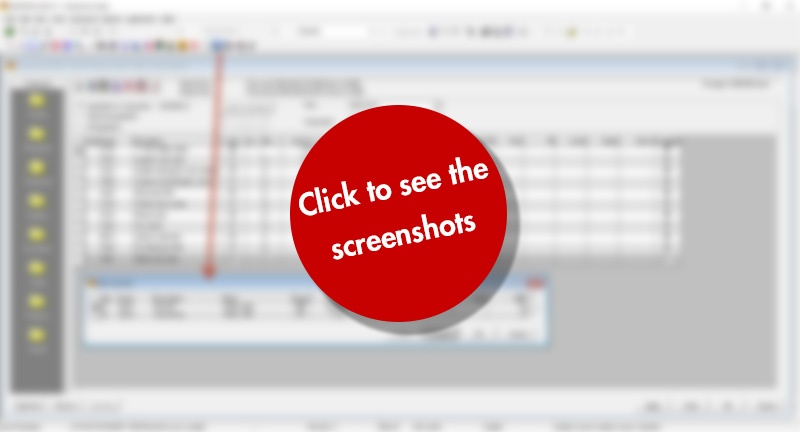
Press the “Mix overview” button and give a code for the mixture(s).
Step 3
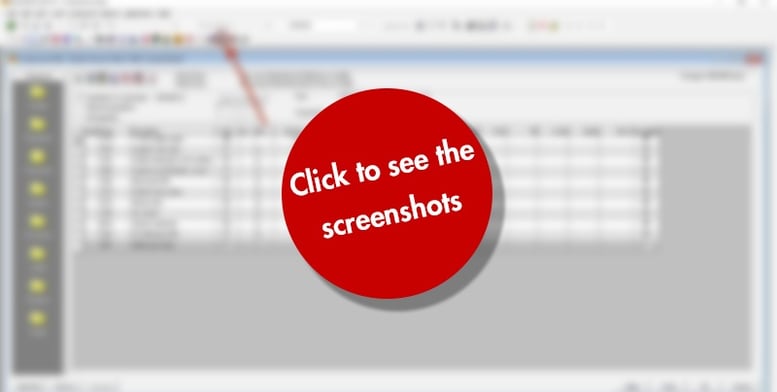
Mix the mixture by clicking the mix button. The selected mini-composition is stored as a compound (with requirements), and saved as a raw material - all in the background. Ultimately, the selection in the main compound is replaced by the new premix material.
Step 4
Finally, you can use the Unmix button to un-mix the selected mix again.