
Users in BESTMIX Formulation as a Service that want to know the total analysis value for their compound can use the general optimization screen.
If they need more details of these values; for example: to see the contribution per ingredient; they can open the nutrient control tool.
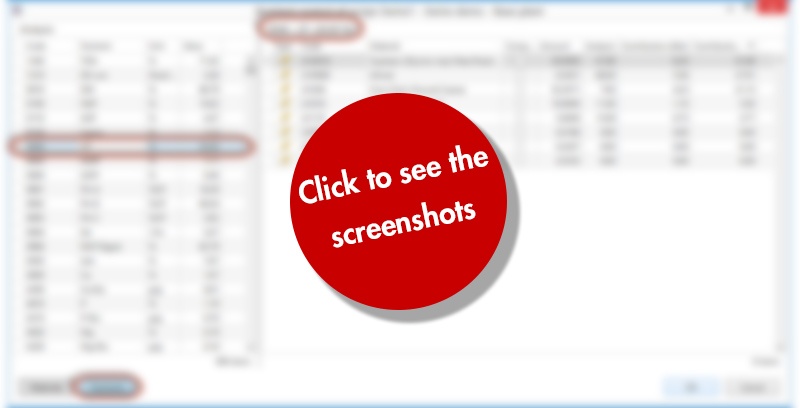
In this tool they can check the details per raw material or per nutrient. In the details per raw material, all analysis values and contributions for the selected ingredient are visible.
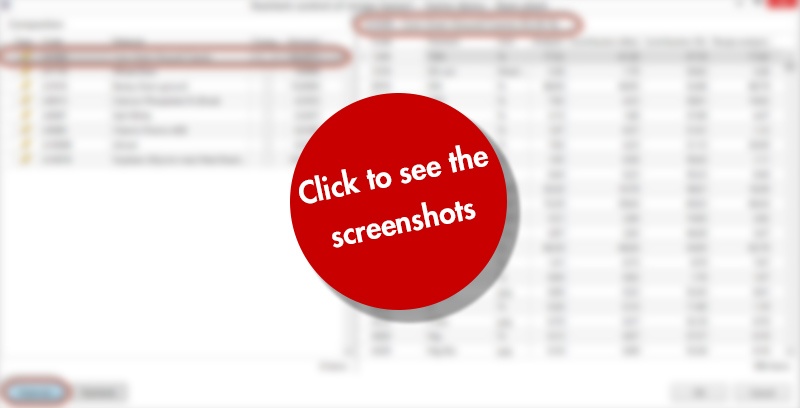
In the details per nutrient, the analysis value of the selected nutrient and the contribution is visible for every ingredient in the composition.
In BESTMIX Feed formulation, we find a similar tool with a couple of small differences:
- The extra screen will be visible directly in the compound screen when nutrient control is active
- The screen will update automatically when you select an ingredient or a nutrient