
When users are creating a new product version in BESTMIX Feed Formulation it can be useful to have the product reports available outside of BESTMIX as well. This way employees without a licence also get instant access to the latest product information.
To be able to work more efficiently BESTMIX allows the automatic creation and export of these reports:
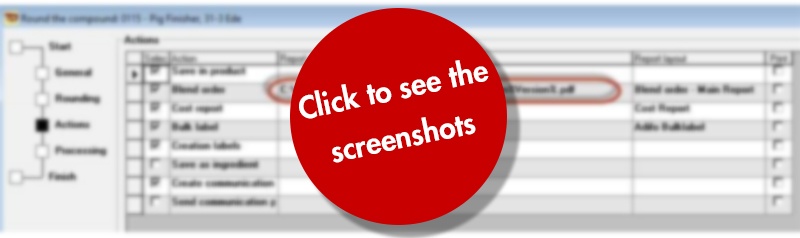
1. Click the "Report path" cell in the rounding wizard; a browse button appears.
2. Click the browse button; you can select the file route and enter the file name.
3. Include compound parameters in the file name; like this:
- Product code: %Code%
- Product description: %ProductDescr%
- Version: %Version%
- Product number: %ProductNumber%
- Plant code: %Plant%
- Company: %Company%
- Date: %Date%
- Time: %Time%
4. Once you are happy with the file name select the file extension of your choice (for example: .pdf)
Example
The BESTMIX Feed Formulation Configuration
The result: Reports are automatically exported outside of BESTMIX onto your computer or network and available for non-BESTMIX users as well.