
In most cases the "Find Panel" and "Quick Search" functionality in BESTMIX Quality Control and BESTMIX Formulation as a Service allows users to find the information they want. However, sometimes users require more advanced filter functionality. To allow users to create their own filters BESTMIX Quality Control and Formulation as a Service have a state of the art "Filter Editor".
How to create advanced filters ?
Users can create advanced filters by right clicking on the column header and selecting "Filter Editor". This will prompt a new window.
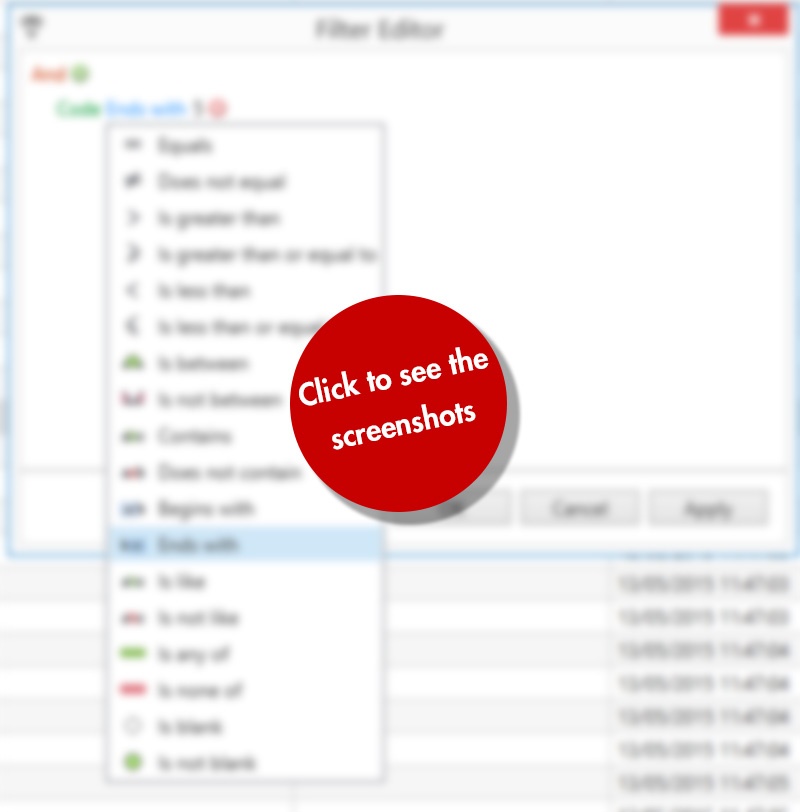
In this filter editor window, users can start adding conditions to their personalised filter. The filter can be built by selecting the different parts of the query:
- filter on code/description/…
- equals/greater then/…
- or/and when working with multiple conditions, …
Example 1: We have a list of ingredients, and we only want to see the ingredients that end with number ‘5’
Example 2: Ingredients with code ending with ‘5’ OR containing ‘Barley’ in the description.